-
Download the "setup.zip" file onto your local
machine (i.e.
c:\temp\setup.exe).
-
Double click on the "setup.exe" file to
start installation.
-
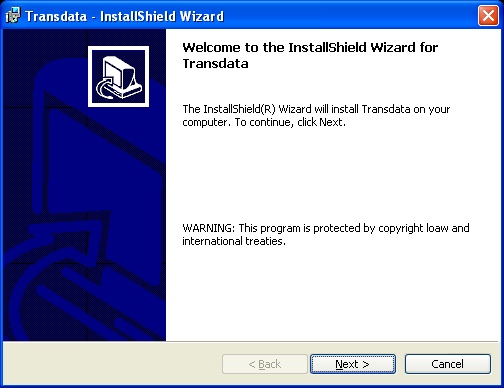
Click on the "Next >" button for the
welcome dialog.
-
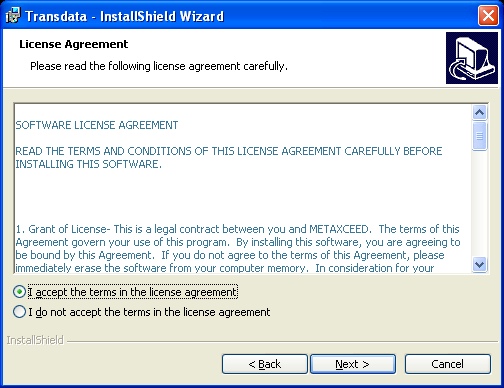
On the "License Agreement" screen,
select the "I accept..." radio button then click on the "Next" button.
-
On the "Customer Information" screen,
enter your user name and your organization.
-
Select "all users" and then click on
the "Next" button.

-
Leave the default path specified in the
destination folder as: C:\Program Files\MetaXceed\Transdata\.
-
Click on the "Next" button.

-
Click on the "Install" button.
-
Select check box for "Launch the program"
in the post installation.
-
Click on the "Finish" button.

-
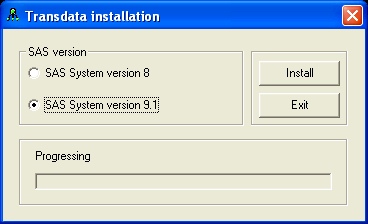
Select on the SAS version that is
available on your system.
-
Click on the "Install" button.